[Youtube Shorts] Things to Consider When Designing a Smart TV App
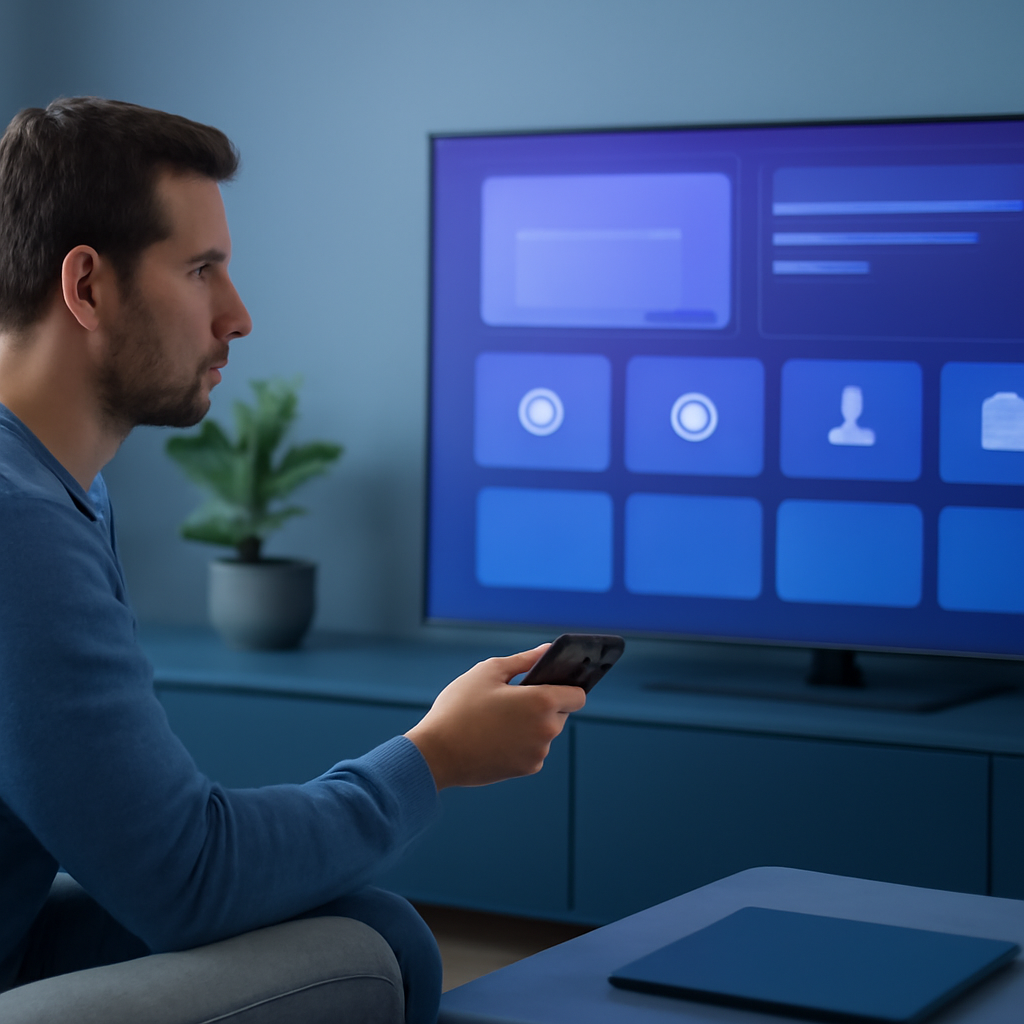
Designing for the big screen is a different challenge than designing for mobile or desktop. Smart TV applications have unique constraints around viewing distance, input methods, and screen composition that require a purpose-built approach.
Optimise for Viewing Distance
Users typically sit 6 to 10 feet away from the TV screen. Text must be large, icons must be bold, and the overall interface should remain uncluttered so everything is readable at a distance without the user needing to move closer.
Simplify Navigation for Remote Controls
The remote control is the primary input device on a Smart TV. Design intuitive navigation flows that rely on directional controls, and minimise the number of interactions required to complete any given task. Fewer button presses always wins.
Consider Screen Composition and Layout
TV screens are large and horizontal. Use clean layouts with dark or neutral backgrounds to reduce glare, and organise content into clearly defined sections that guide the viewer’s attention naturally across the screen.
Focus on Content and Performance
Highlight visual elements like thumbnails and videos over blocks of text, and optimise media for high-resolution displays to deliver an immersive, distraction-free experience. On the performance side, minimise app load times, provide visual feedback during any delays, and keep interfaces lightweight for smooth, responsive interactions.
Prioritise Accessibility
Great Smart TV apps are accessible to everyone. Support features such as high-contrast modes and text-to-speech, and make sure every interactive element in your app can be reached and activated using only the remote control.
Watch the full short to see all six steps summarised quickly, and check the link in the description for the detailed guide to designing Smart TV applications for the big screen.