[Youtube Shorts] Multi-Screen Apps in a Smart TV
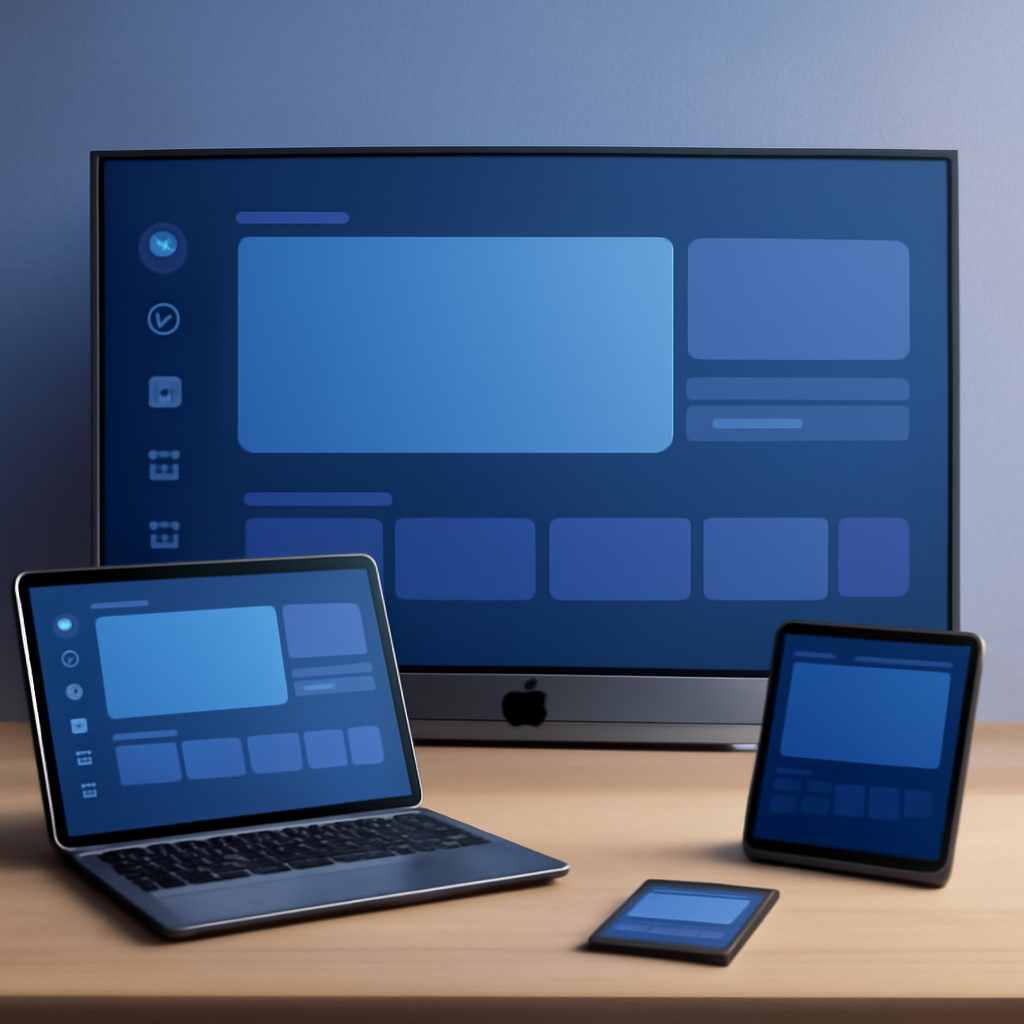
Multi-screen experiences are becoming an expected feature of modern Smart TV applications. Building apps that span or connect multiple screens opens up new possibilities for richer, more interactive user experiences.
What Are Multi-Screen Apps?
Multi-screen apps allow a Smart TV application to interact with companion devices such as smartphones, tablets, or other displays. This approach lets users control content on the TV from a second screen, share information between devices, or extend the viewing experience beyond the main display.
Why Go Multi-Screen?
Adding multi-screen support to a Smart TV app can dramatically improve engagement. Users can browse content on a phone while video plays on the TV, use a touchscreen as a more intuitive remote control, or receive personalised information on their device that complements what everyone else sees on the shared screen.
Getting Started
For Samsung Smart TV and Tizen-based platforms, multi-screen functionality is supported through dedicated Samsung and Tizen APIs designed for device-to-device communication and content synchronisation. Planning the interaction model early — deciding which actions happen on which screen — is key to building a smooth multi-screen experience.
Watch the full short to get a quick overview of going multi-screen on Smart TV.